

General settings
Your company details, time zone and date format, and the currency of your voucher prices.
Open Account > Settings > Business Settings. These settings affect your account only.
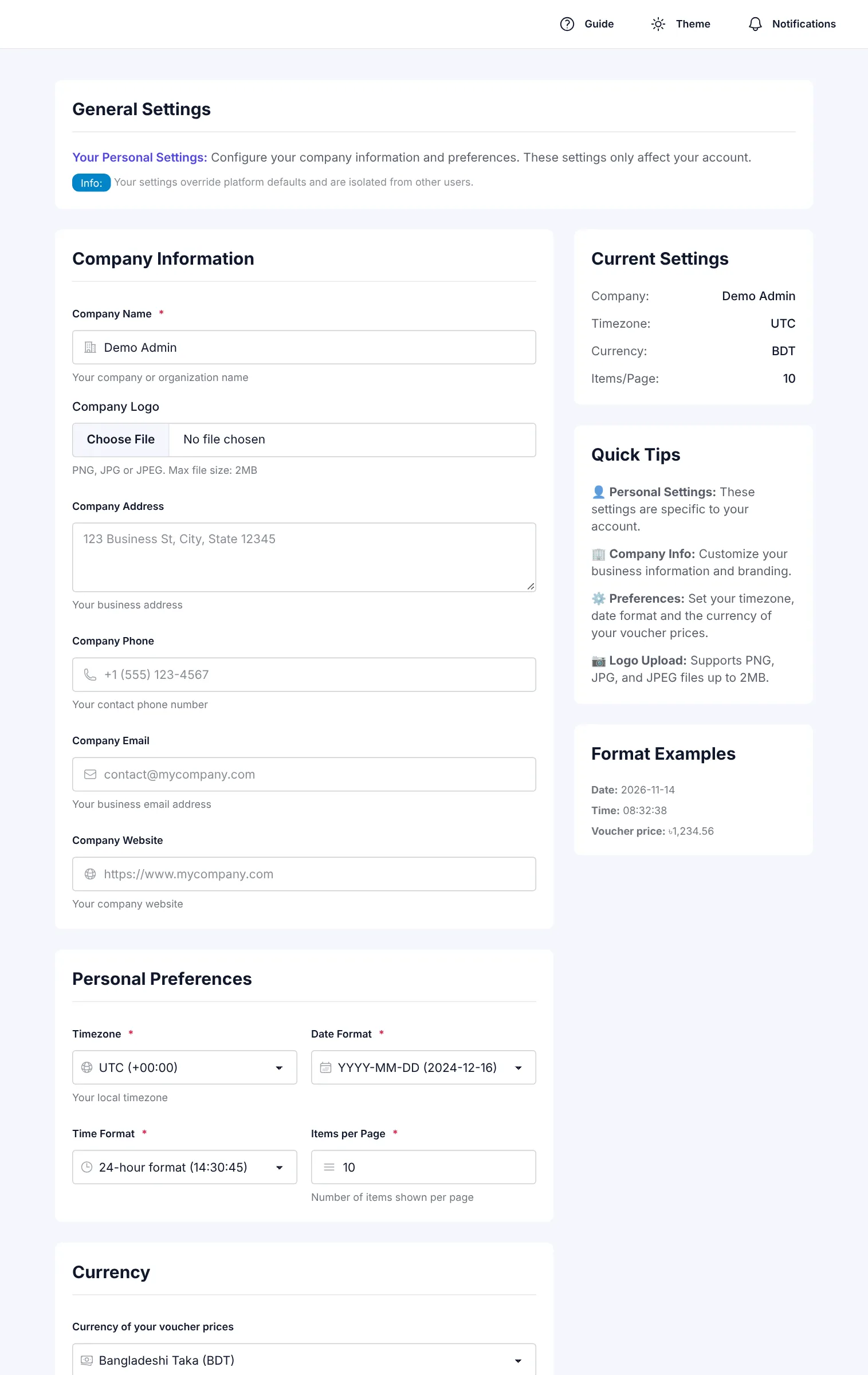
Company information
Your company name, logo, address, phone, email and website. (Printed vouchers show the router's name and logo, which you set on each router.)
Personal preferences
| Setting | What it changes |
|---|---|
| Timezone | The time shown everywhere in the panel. |
| Date format / Time format | How dates and times are written, for example 16/12/2024 and 14:30. |
| Items per page | How many rows lists show. |
Currency of your voucher prices
Choose the currency you sell vouchers in: taka, riyal, dirham, rupee, naira, shilling and many more. It is used for:
- hotspot profile prices;
- voucher income in the Sales Summary and the voucher logs;
- the monthly ISP cost of your routers.
Changing the currency does not convert amounts you already entered; it only changes the sign shown. Your RADTik balance and packages are always in US dollars.
Your resellers see the same currency, but never your prices.