

Active sessions, cookies and logs
See who is online on a router right now, remove a session or a saved login, and read the hotspot log.
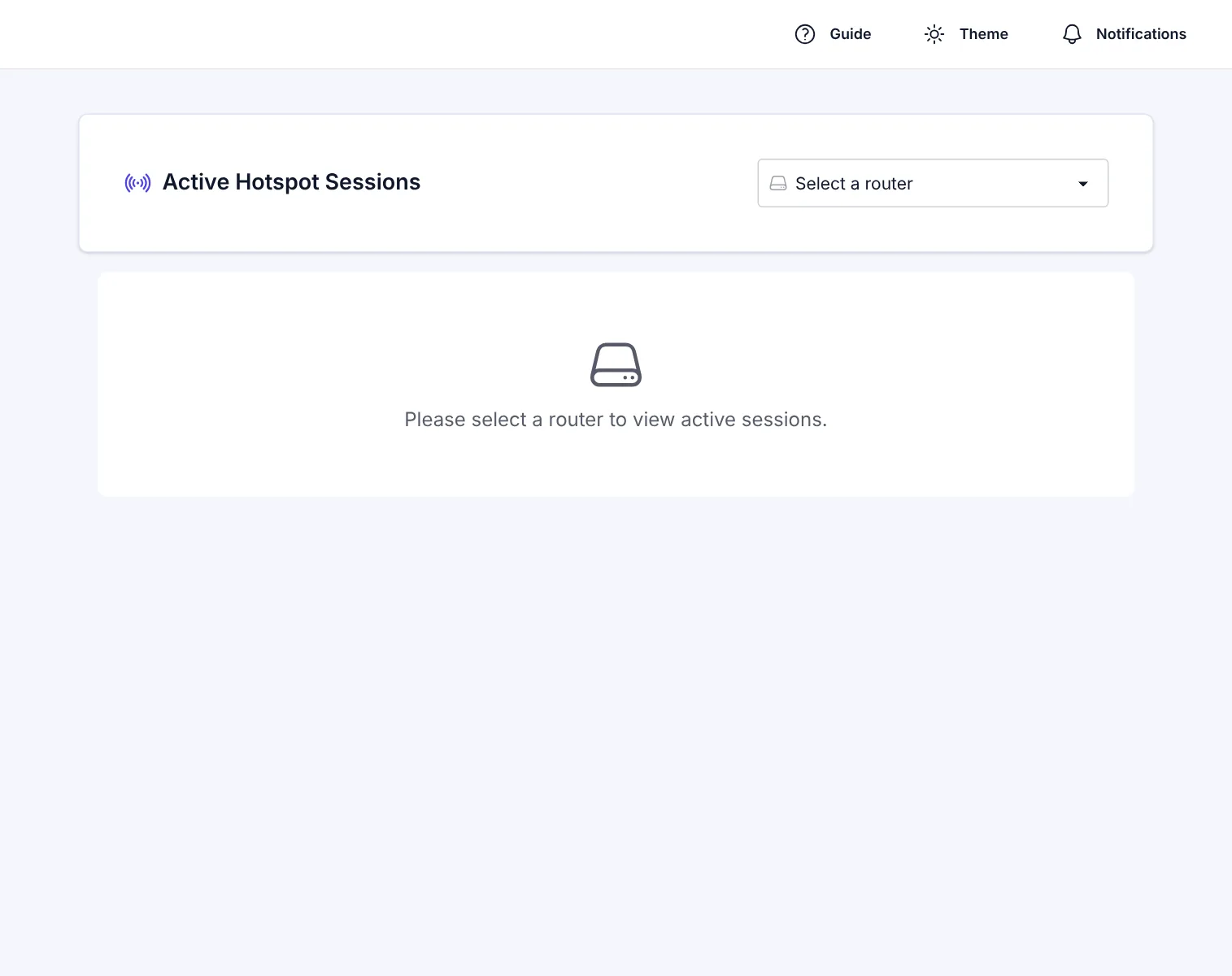
The Monitoring part of the menu reads straight from a router. Choose the router at the top right of each page. With one router it is chosen for you, and the pages remember the router you chose last.
Active Sessions
Monitoring > Active Sessions lists the customers who are online right now on the chosen router: the voucher, the device's MAC and IP address, how long they have been online and how much data they used.
Remove a session to disconnect a customer at once. They can log in again if their voucher is still valid; to stop that, disable the voucher too.
Session Cookies
When a customer logs in, the router can remember the device with a cookie, so the customer does not have to type the code again next time. Monitoring > Session Cookies lists these saved logins.
Remove a cookie when a customer must log in again, for example after you disabled their voucher or reset its device.
Hotspot Logs
Monitoring > Hotspot Logs shows the router's latest hotspot messages: logins, logouts and failed attempts with the reason the router reports. Use it together with the voucher page when a customer cannot log in.
Note: These pages need the panel to reach the router. If the router is offline, they show a message instead of data.