

My Account and security
Your profile, password, two-factor authentication and WhatsApp number.
Open Account > Settings > My Account (or click your name at the top of the menu).
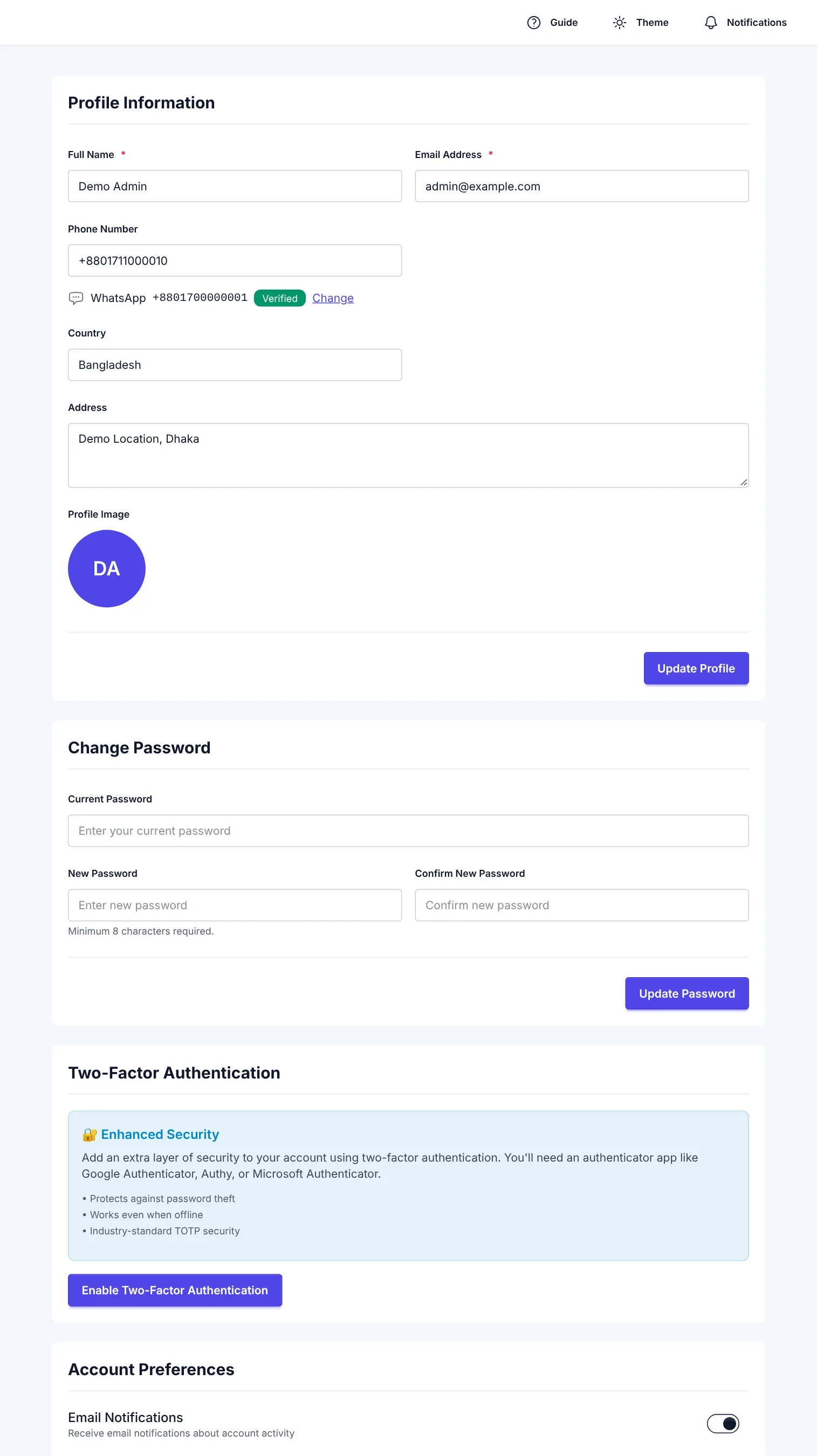
Profile
Change your name, email, phone, country, address and profile picture, and press Update Profile. Your WhatsApp number is shown here with its status; Change opens the WhatsApp page.
Password
Enter your current password and the new one twice, then press Update Password. Use at least 8 characters; a long sentence is easier to remember and harder to guess.
Two-factor authentication
Two-factor authentication asks for a 6-digit code from an app on your phone (Google Authenticator, Microsoft Authenticator, Authy) every time you log in. Somebody who steals your password still cannot log in.
- Press Enable Two-Factor Authentication.
- Scan the QR code with your authenticator app.
- Type the code the app shows to confirm.
- Keep the recovery codes somewhere safe: they let you in if you lose your phone.
Tip: Turn on two-factor authentication. Your account controls your routers and your income.
Account information
The right side shows your account type, when you joined, your last login, your balance and a short security check.