Add balance
Top up your balance in US dollars by bKash, Nagad or card (PayStation) or with USDT, and check your invoices.
Your balance pays for your package. It is kept in US dollars.
Note: Only your RADTik balance and packages are in US dollars. The prices of your own vouchers are in your own currency (see General settings).
Open Account > Billing > Balance & Top-up.
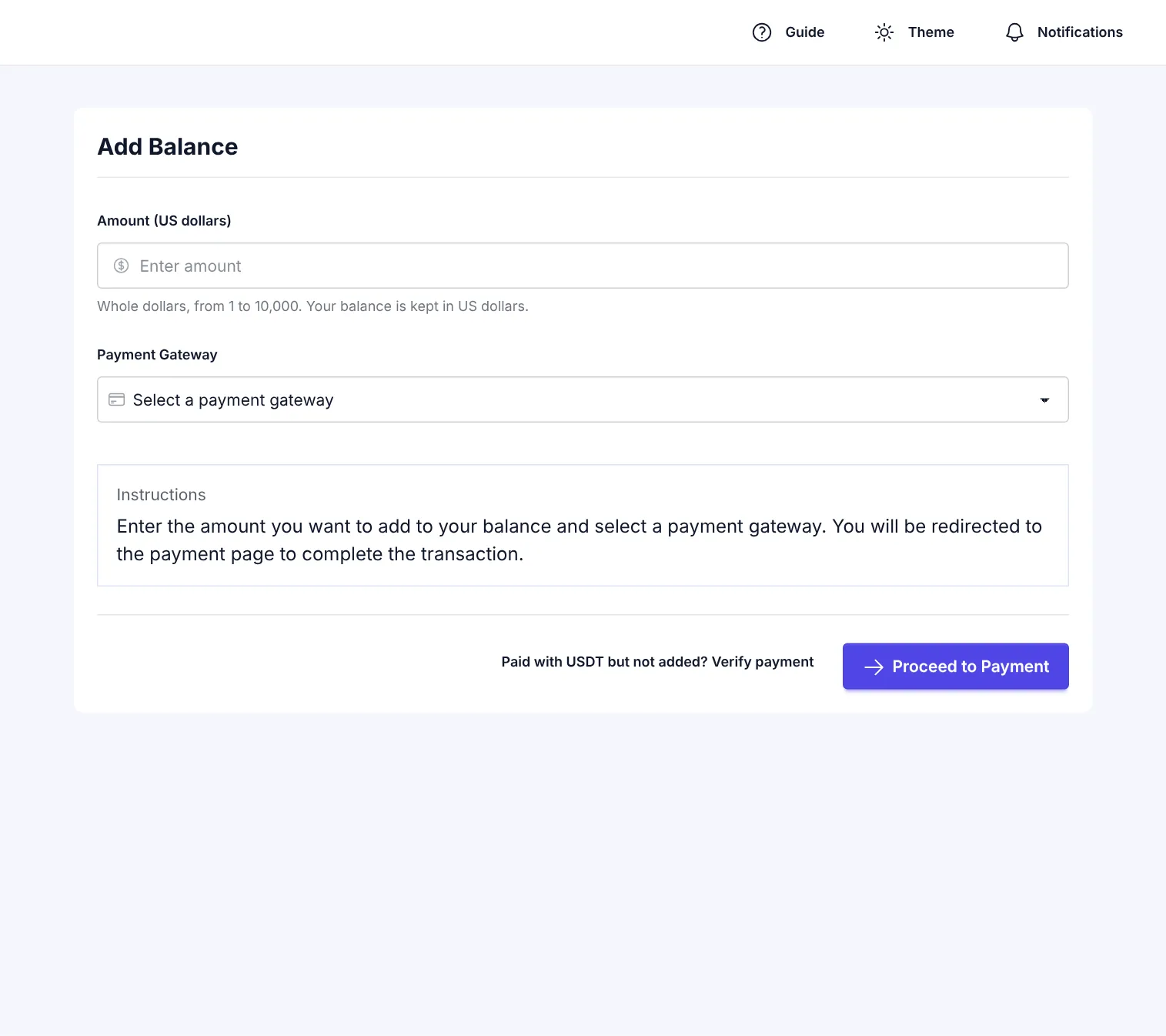
The page shows your balance now at the top.
- How much: press a quick amount ($15, $39, $50, $100) or type any whole number of US dollars (1 to 10,000).
- How you pay: choose PayStation (bKash, Nagad, Rocket or card) or USDT. When only one is offered it is chosen already.
- Check what you pay and what happens next, then press Pay (for example Pay $39).
PayStation: bKash, Nagad or card (taka)
PayStation charges you in taka. Before you continue, the page shows exactly how much you pay, for example "You pay ৳2,440 (৳122 for $1)". You are sent to PayStation, pay with bKash, Nagad, Rocket or a card, and come back to the panel. Your balance is added in dollars as soon as PayStation confirms the payment.
If you closed the page before coming back, or PayStation was still processing, nothing is lost: the panel asks PayStation again every few minutes and adds the balance once the payment is confirmed. If it still does not appear after an hour, open a support ticket with the time and amount.
USDT (TRC20)
1 USDT = 1 US dollar.
- After Pay, the page shows a wallet address and an exact amount, for example
20.0037 USDT. The small extra digits identify your payment. - Send exactly that amount on the TRON (TRC20) network, within the time shown.
- Your balance is added automatically 1-2 minutes after the transfer is confirmed.
Important: Send on the TRC20 network only, and send the exact amount, including the last digits. Exchanges sometimes take their fee from the amount: choose "receiver gets" the exact amount, or add the fee yourself.
Paid but the balance was not added?
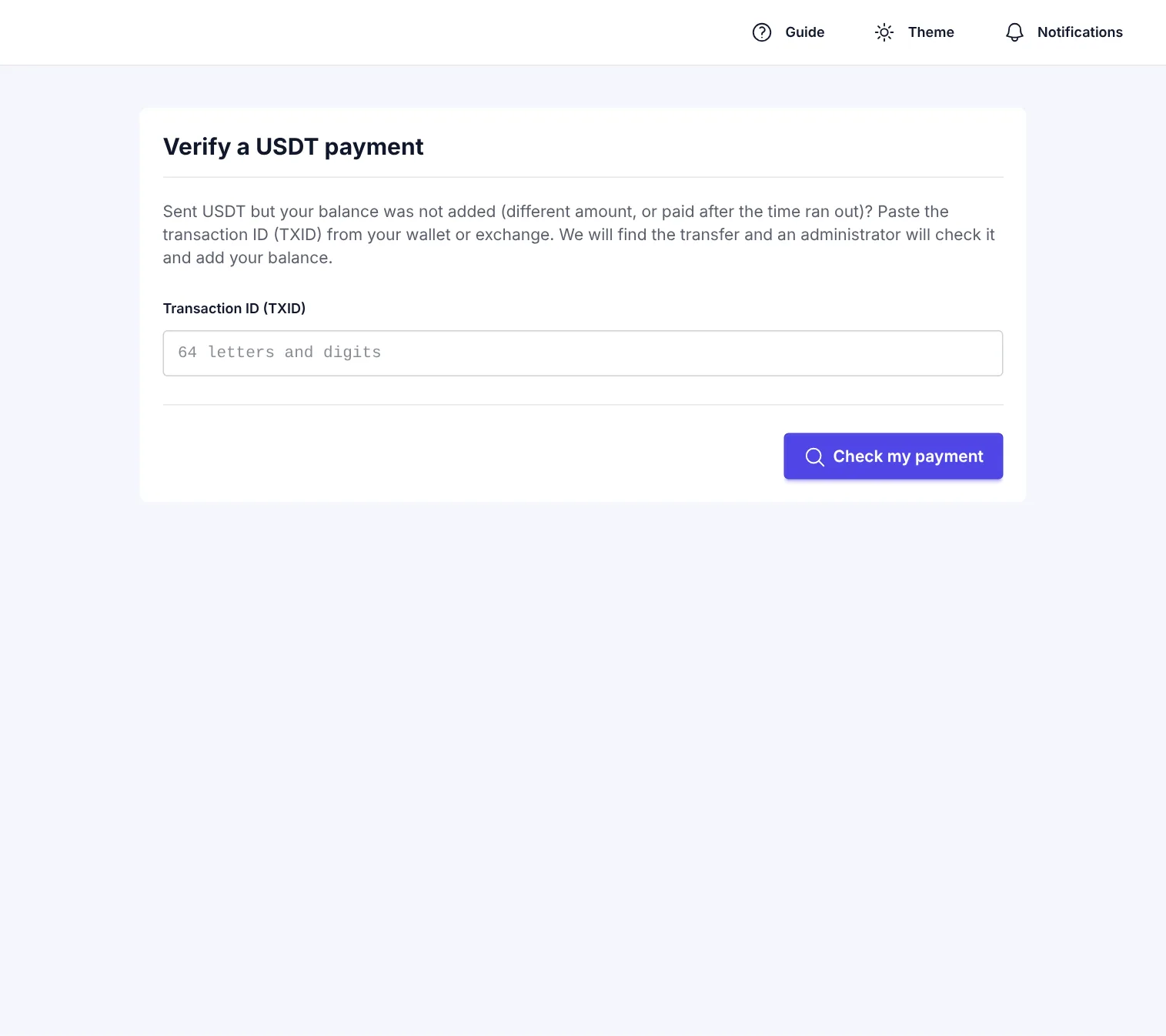
If you sent a different amount, or paid after the time ran out, the payment is kept for a manual check. Open Add Balance > Paid with USDT but not added? Verify payment, paste the transaction ID (TXID) from your wallet or exchange, and press Check my payment. An administrator checks it and adds your balance.
Invoices
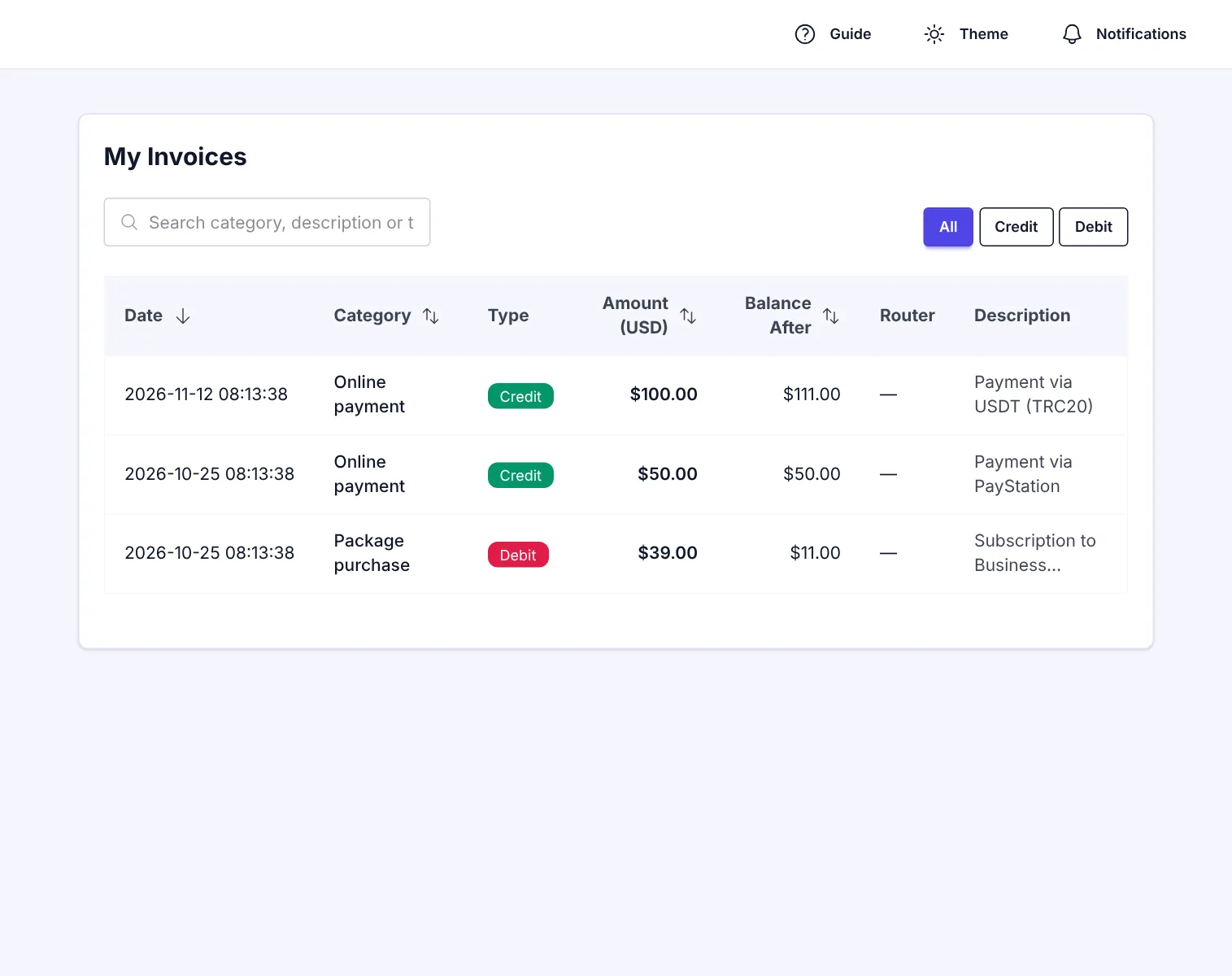
My Invoices lists every top-up (credit) and every package payment (debit), with the balance after each one.