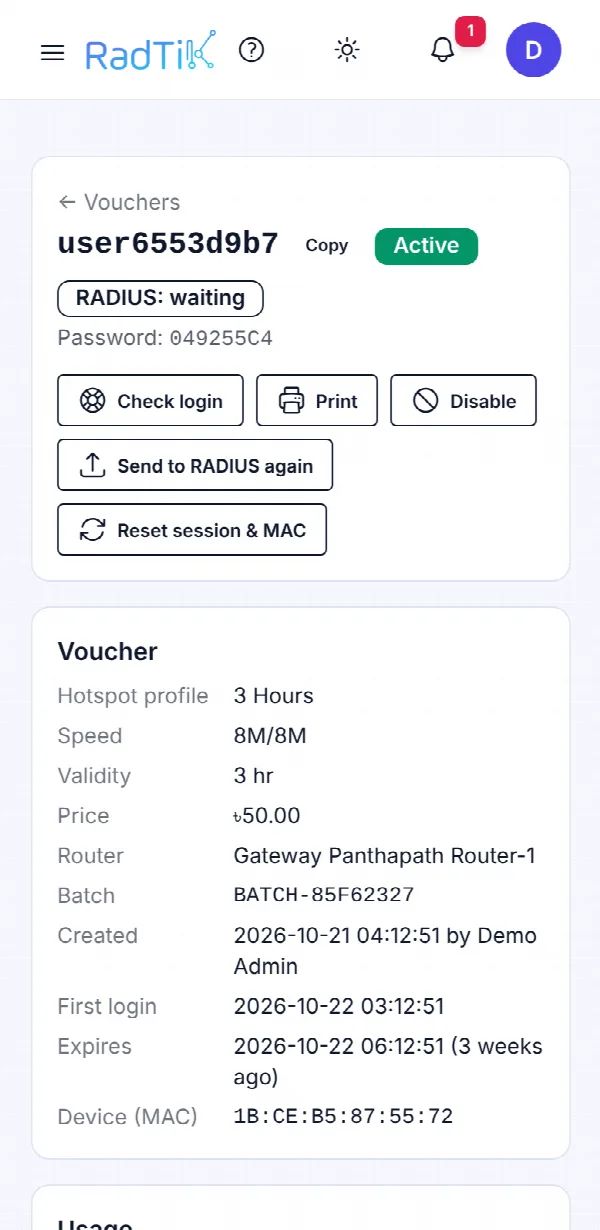
The voucher page
Everything about one voucher in one place - status, RADIUS data, router data and live bandwidth.
Click a voucher code anywhere in the panel (or ... > Details) to open its page.
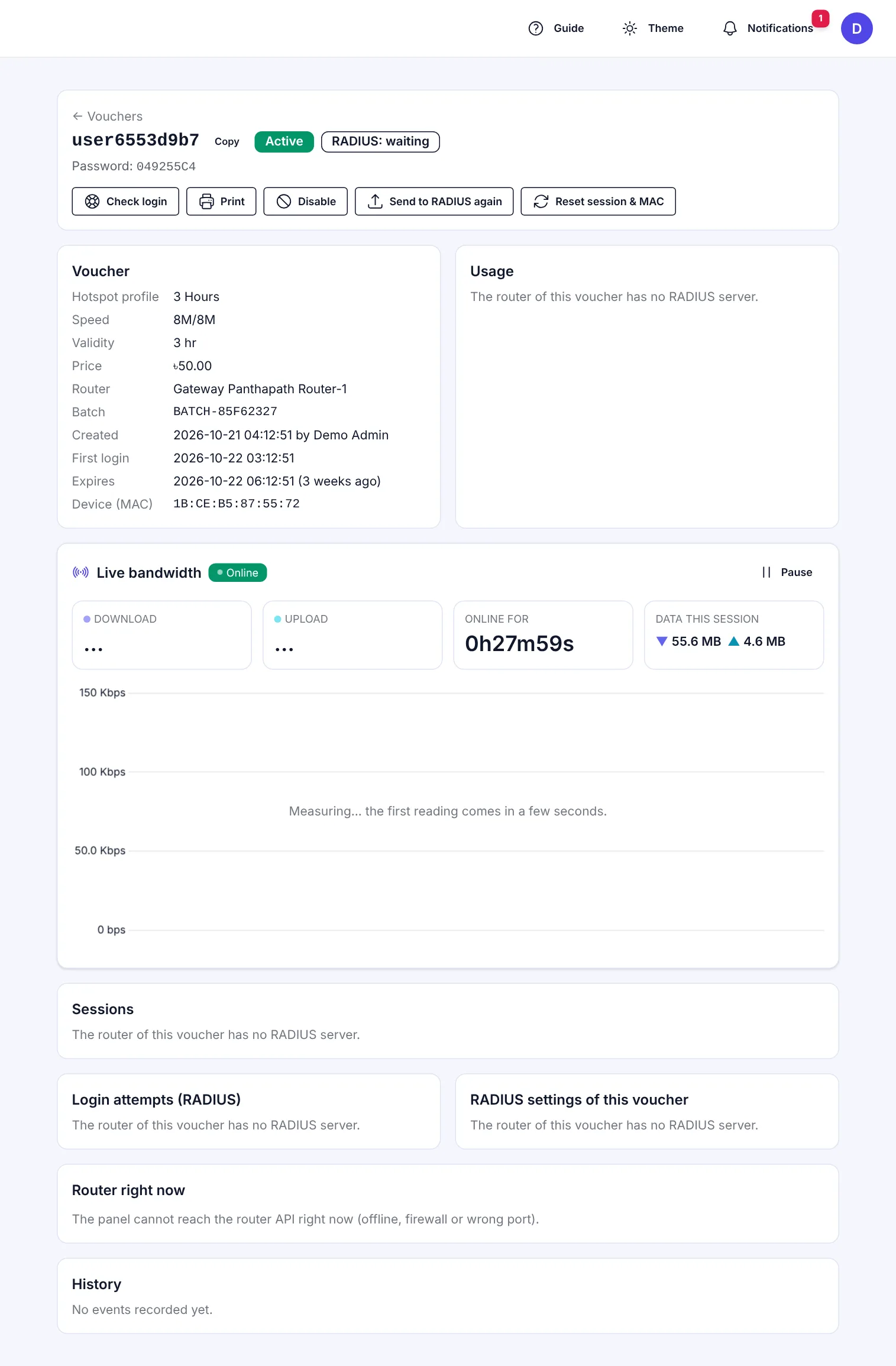
Top: status and actions
The code, its password, its status and whether it reached the RADIUS server. The buttons:
- Check login: opens the Login checker for this code.
- Print this voucher.
- Disable / Enable.
- Send to RADIUS again: sends this voucher to the RADIUS server again with all its settings. Use it when the login checker says the server does not know it.
- Reset session & MAC: disconnects it everywhere and frees the locked device.
Check a login
The checks that answer "why can't the customer log in?" are on their own page: press Check login at the top, or open Vouchers > Login Checker. See Login checker.
Details
- Voucher: profile, speed, validity, price, router, batch, who created it, first login, end time and locked device.
- Usage, Sessions and Login attempts: what the RADIUS server recorded for this voucher.
- RADIUS settings of this voucher: what the RADIUS server has, to compare with the panel.
Live bandwidth
For an Active voucher, the page shows how fast the customer is downloading and uploading right now, how long they have been online, and how much data this session used. If the customer is not connected, it says Not online right now. If the voucher is used on two devices (shared users), both are added up.
On a phone the page is one column: