Generate vouchers
Generate MikroTik hotspot vouchers in bulk for a router and a hotspot profile, with your own length, prefix and characters.
Open Vouchers > Generate Vouchers.
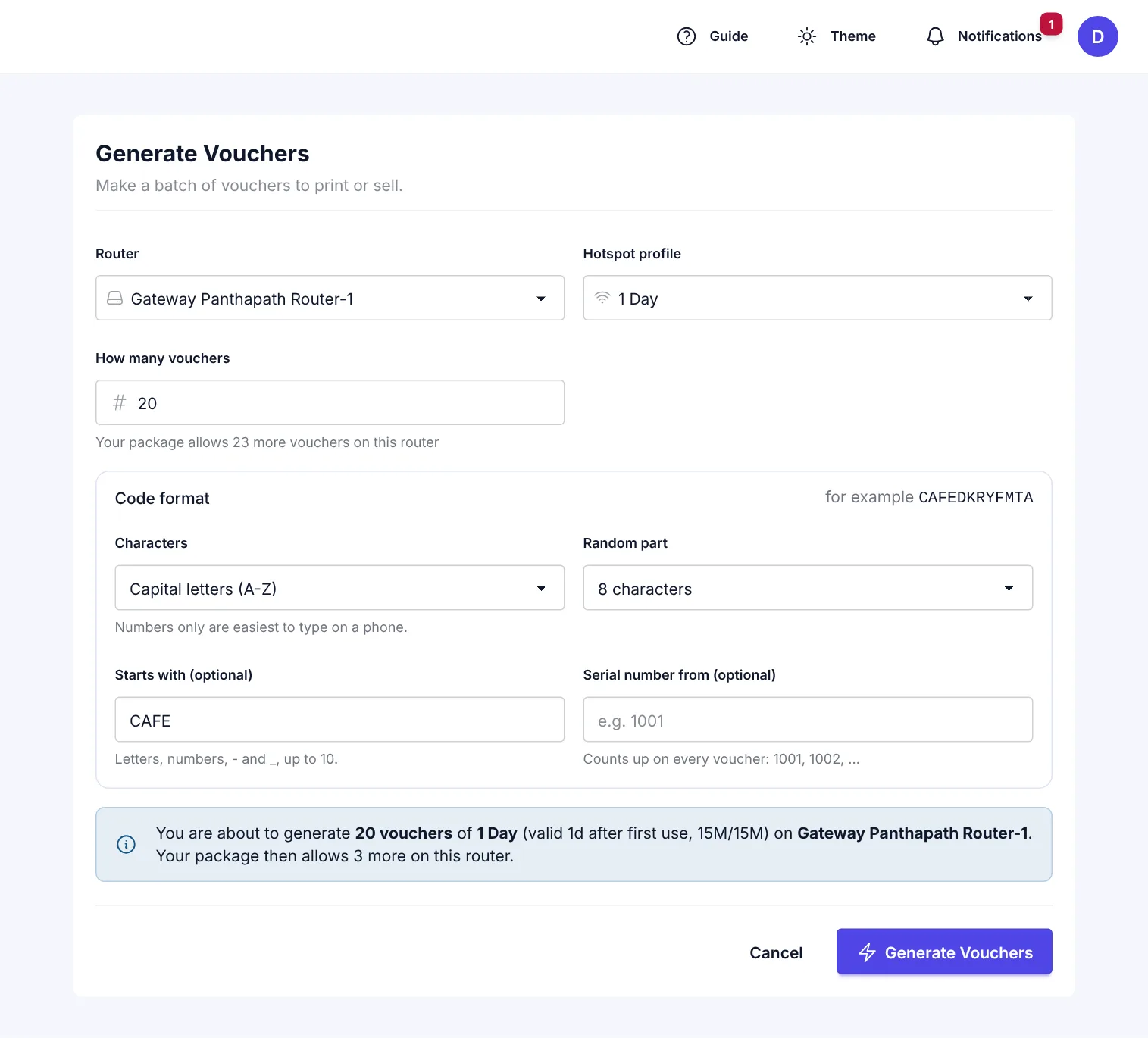
| Field | What to enter |
|---|---|
| Router | The router the vouchers are for. They work on this router and its NAS devices. With one router it is chosen for you. |
| Hotspot profile | The plan (speed, validity, price). |
| How many vouchers | Up to 1,000 at a time. The form shows how many your package still allows on this router. |
The Code format is folded away under the form, with an example of what a code will look like. Open it to change:
| Field | What it does |
|---|---|
| Characters | Numbers only, capital or small letters, or letters and numbers. Numbers only are easiest to type on a phone. |
| Random part | How many random characters each code has, from 6 to 12. |
| Starts with | Optional text in front of every code, for example CAFE. |
| Serial number from | Optional number that counts up on every voucher (1001, 1002, ...). |
Before you press the button, a summary says exactly what will be created, for example: "You are about to generate 50 vouchers of 1 Day on Camp A".
Press Generate Vouchers. The vouchers are created at once as one batch with the status Unused. Within a minute they are sent to your RADIUS server and can be used.
Package limits
Your package sets how many vouchers a router may have. Expired vouchers are removed automatically, so they do not count against the limit. If you reach the limit, delete unused vouchers you do not need, or move to a bigger package.
Note: During the grace period after your subscription ends, and after it has expired, you cannot generate new vouchers. Vouchers you already have keep working. See Packages and subscription.
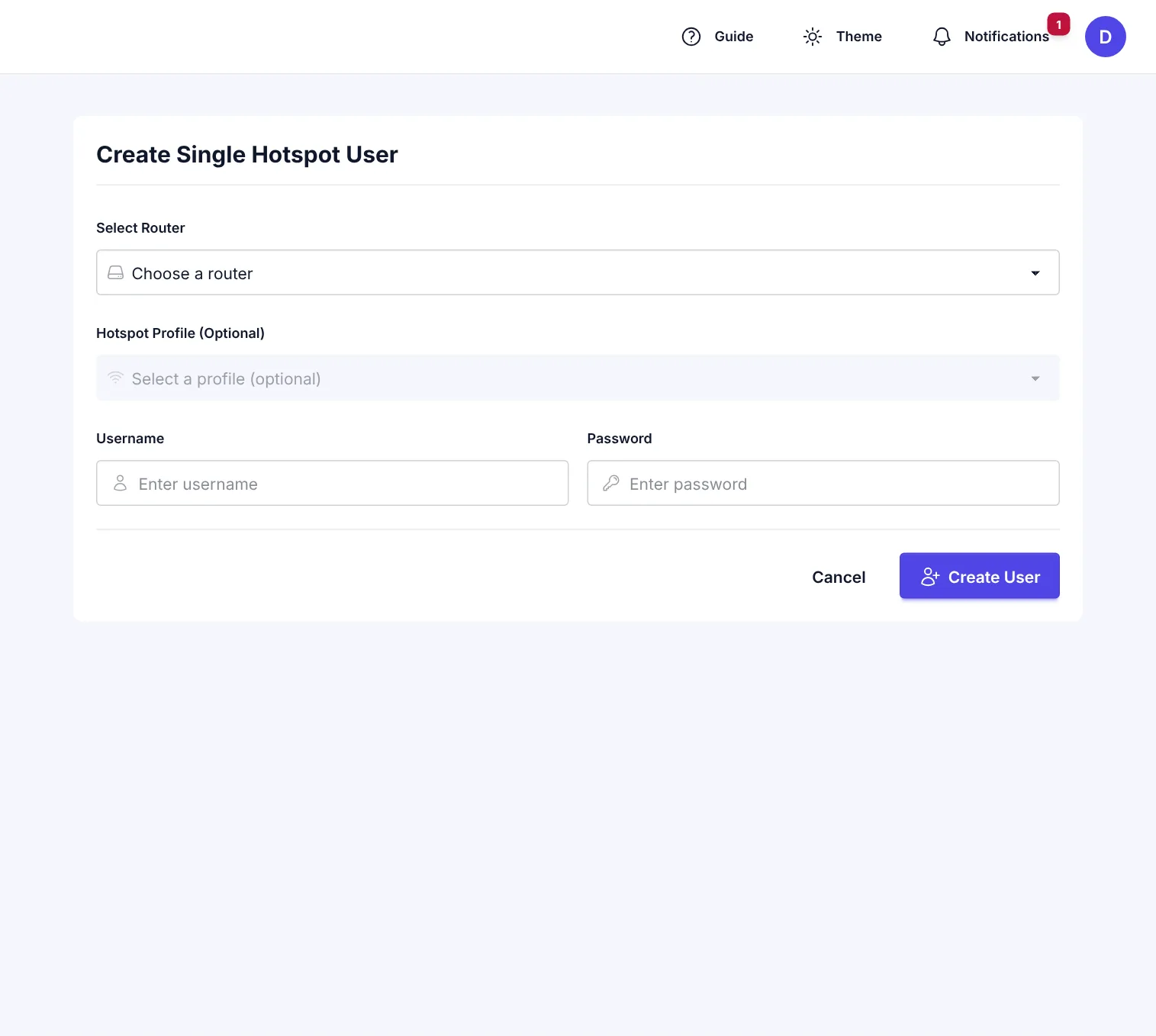
Create a single voucher by hand
For one customer with a username and password you choose (for example a staff member), open Vouchers > Single Voucher. Choose the router and, optionally, a hotspot profile, then type the username and password.