

Guide for resellers
For resellers - what you see after logging in and how to sell vouchers.
This page is for resellers: agents who sell vouchers for a RADTik operator. Your operator created your account and decides what you can do.
Log in
Open the address your operator gave you and log in with your email and password. Change your password under My Account the first time.
Your dashboard
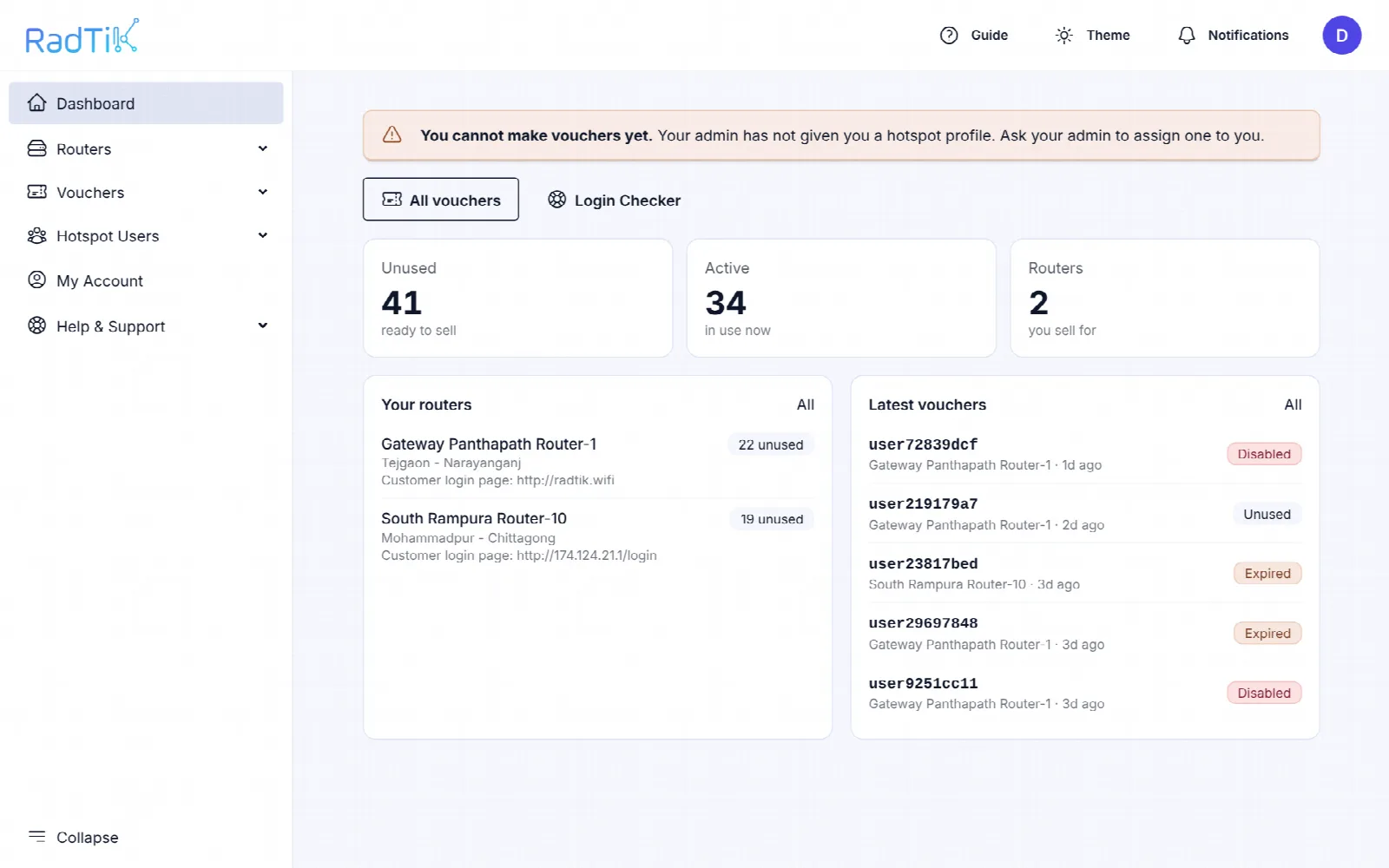
The dashboard starts with your main buttons (Generate vouchers, Print vouchers, All vouchers, Login Checker), then three numbers (unused, active, routers), your routers with the vouchers left to sell on each, and your latest vouchers. If your admin has not given you a router or a hotspot profile yet, the dashboard says so: ask your admin.
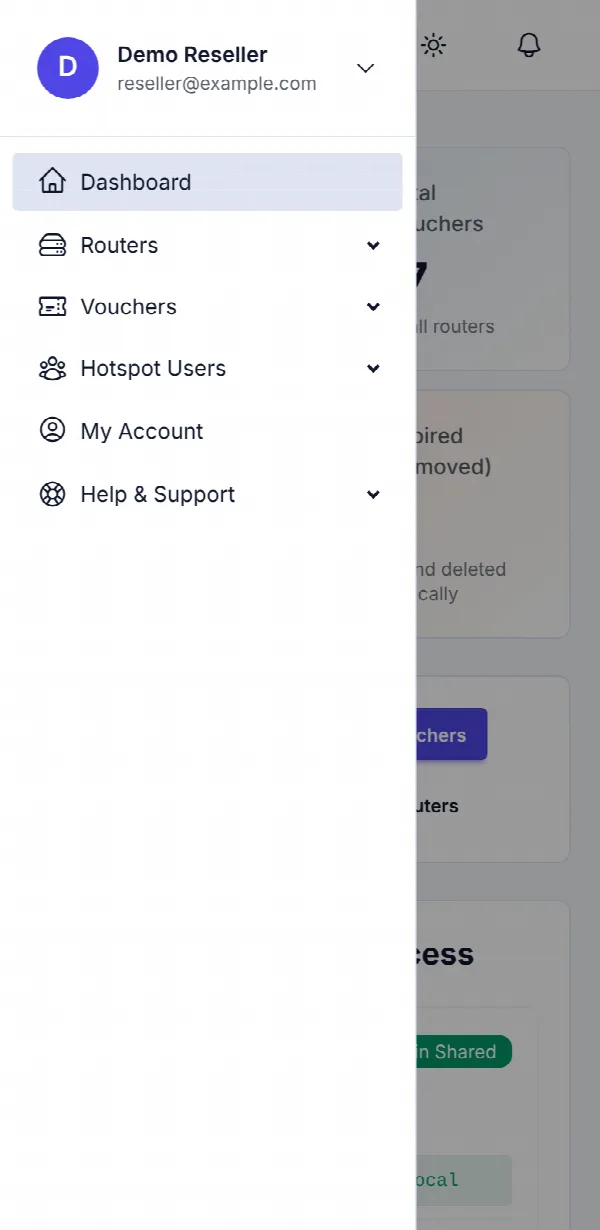
On a phone, open the menu at the top left:
Sell vouchers
- Vouchers > Generate Vouchers: choose your router and a profile, and how many vouchers. See Generate vouchers.
- Vouchers > Print & Bulk Delete: print them. See Print vouchers.
- Hand the vouchers to your customers.
When a customer cannot log in
Open Vouchers > Login Checker, type the code and follow the advice. See Login checker.
What you may do
What you see in the menu depends on the permissions your operator gave you. If you need something that is not there, ask your operator.