

Voucher commands
Disable, enable, reset or check a voucher by sending a WhatsApp or Telegram message - for you and for your resellers.
You can change vouchers without opening the panel, by message:
- on WhatsApp, from your verified WhatsApp number, to the RADTik business number;
- on Telegram, from your connected Telegram, to the RADTik bot.
Both understand the same commands and follow the same rules. Account > Settings > Chat Commands shows the number and the bot.
WhatsApp Commands is an add-on
WhatsApp commands are a paid add-on for paid packages: WhatsApp Commands, for your whole account. Add it on Add-ons > WhatsApp Commands; it is paid from your balance for the days left of your package period and then renews with your package. Telegram commands are free and need no add-on.
- The add-on includes a number of WhatsApp commands a month (the page shows how many) for the whole account: your resellers' commands count on your account too.
- One message is one command, also when it holds several codes.
HELPis not counted. - Add-ons > WhatsApp Commands shows how many you used this month, the WhatsApp on/off switch and the WhatsApp history. At 80% you get a notice in the panel. When all are used, WhatsApp answers once a day that the limit is reached; the count starts again on the 1st of the next month (UTC). Telegram keeps working.
- Without the add-on, WhatsApp answers once a day that the add-on is needed and does nothing.
- Removing the add-on: it keeps working until the paid date and is not charged again.
The commands
Write the command and one or more voucher codes (up to 10), separated by spaces. Upper or lower case does not matter.
| Message | What happens |
|---|---|
STATUS K7M2QX9A |
Tells you the voucher's status, profile, router and end time. |
DISABLE K7M2QX9A |
Disables the voucher. |
ENABLE K7M2QX9A |
Enables it again. |
RESET K7M2QX9A |
Resets its session and frees the device it was locked to. |
HELP |
Lists the commands. |
Several codes at once: DISABLE K7M2QX9A P4T8RW2C.
On WhatsApp, only a message that is exactly a command gets an answer. A greeting or a question ("Hi, can you reset my voucher?") gets no reply, so write just the command and the codes.
On Telegram you can also write the commands with a slash, as the bot's menu shows: /status K7M2QX9A, /disable K7M2QX9A.
If the same code exists on more than one of your routers, the answer lists them; send the command again with CODE#number as shown in the answer.
Every command is answered in the same chat, and every change is recorded in the voucher's history (marked "via WhatsApp" or "via Telegram") and in the History list on the Chat Commands page.
Switch commands on or off
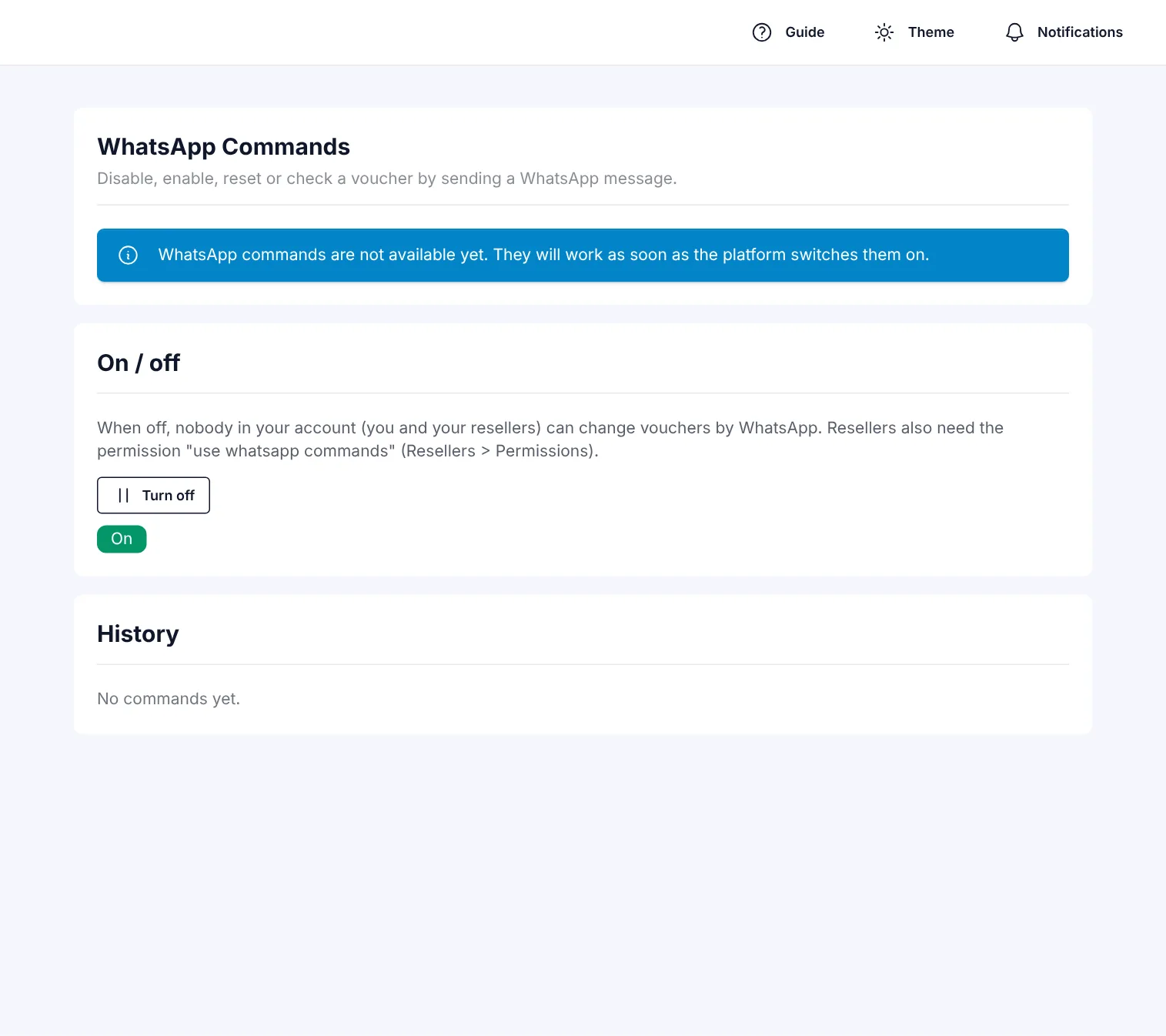
Commands can be switched off for your whole account (you and all your resellers): WhatsApp on Add-ons > WhatsApp Commands, Telegram on Voucher Commands. Both are on by default.
Resellers
A reseller can use commands only when:
- you gave them the permission Use Whatsapp Commands or Use Telegram Commands (Reseller permissions), and
- they verified their own WhatsApp number, or connected their own Telegram.
They also need Edit Vouchers to disable or enable, and Reset Voucher to reset. They can only change vouchers of the routers you assigned to them. The permission page shows whether the reseller verified WhatsApp or connected Telegram.
Safety
- Commands are accepted only from a verified WhatsApp number (and a connected Telegram chat). Messages from any other number or chat are ignored: they get no answer, and nothing is reset, disabled or enabled.
- A person can send up to 30 commands an hour, WhatsApp and Telegram together.
- Vouchers cannot be generated or deleted by WhatsApp.