

Zones
Group routers by building, camp or area, and see numbers per zone.
A zone is a group of routers: one building, one camp, one area of a city. Zones help you find routers quickly and show where your customers are.
Open Network > Zones. The page lists your zones with how many routers each has. Press Add zone:
| Field | What to enter |
|---|---|
| Name | For example "Camp A". Each name can be used once (upper or lower case does not matter). |
| Note | Optional. |
| Active | Switch off a zone you no longer use: it is kept, but not offered when you add or edit a router. |
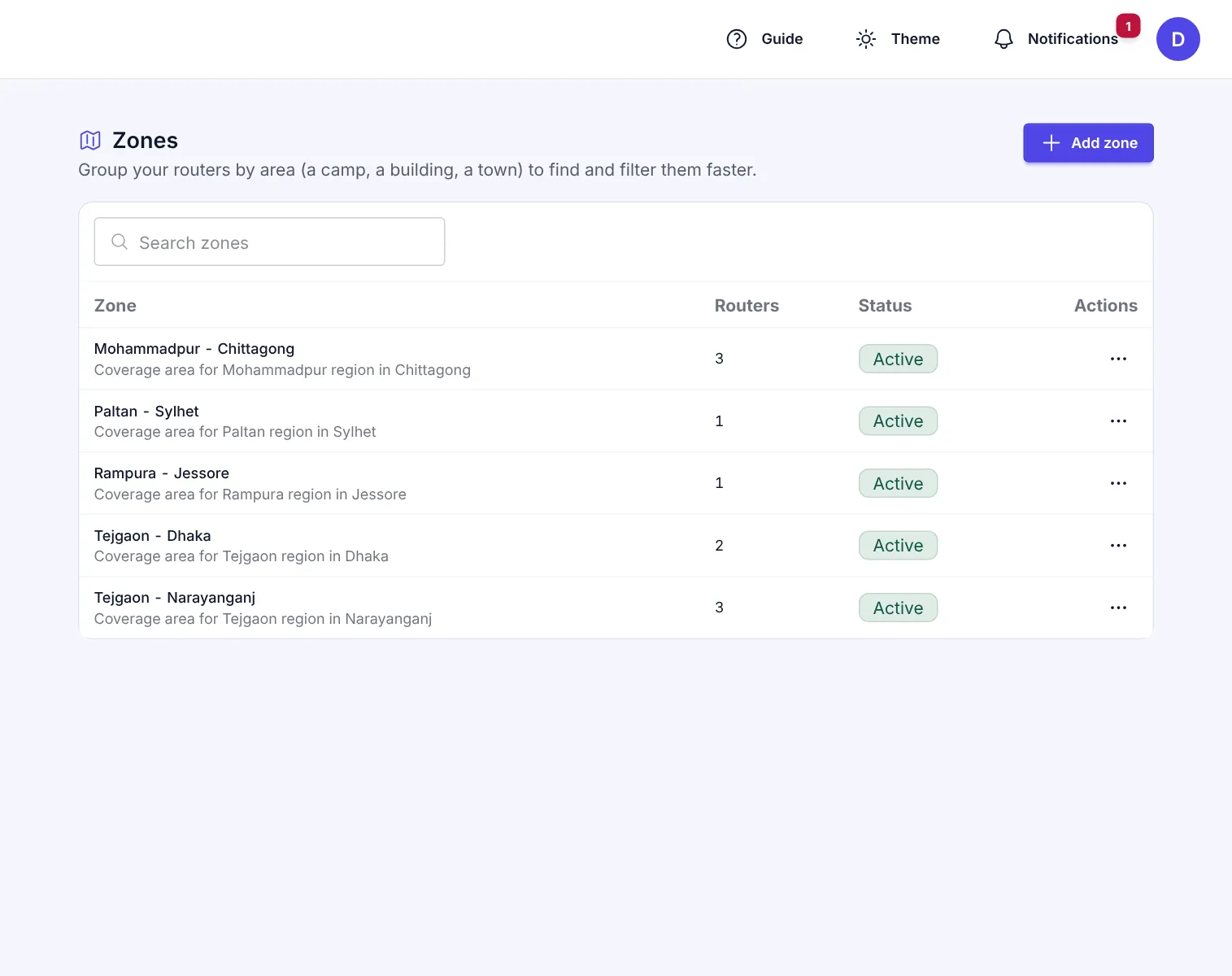
... > Edit changes a zone. A zone can be deleted once no router uses it.
Then choose the zone on each router (Routers > Edit > Zone).