

Notifications and support
Where to find your notifications, and how to ask for help with a support ticket.
Notifications
The bell at the top of every page shows new notifications: payments received, invoices, subscription renewals. View All Notifications opens the notifications page, where you can filter all, unread and read notifications and mark them as read.
Support tickets
Open Account > Help > Support Tickets and press New Ticket. (Resellers have no support tickets: they ask their admin.) Describe the problem: what you did, what you expected, what happened. Add the voucher code or router name if it is about one. You get an answer in the ticket and a notification.
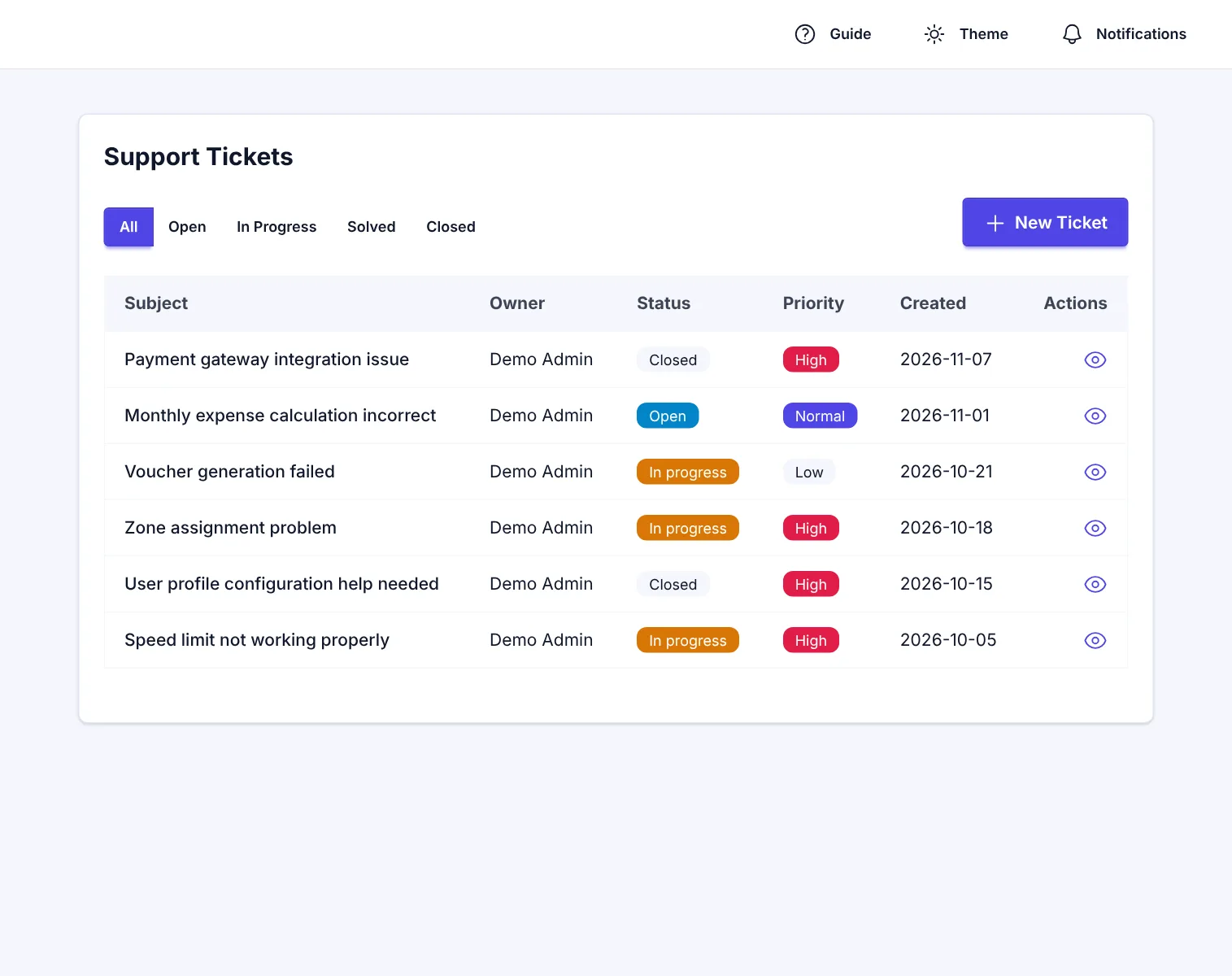
| Status | Meaning |
|---|---|
| Open | Waiting for our answer. |
| In progress | We are working on it. |
| Solved | We think it is fixed. Reply if it is not. |
| Closed | Finished. |
Tip: Before you write, try the login checker. They answer most login questions at once.