

NAS devices
Add extra MikroTik devices that work behind a main router and share its RADIUS settings.
A NAS device is an extra MikroTik at the same site as a main router: for example a second access point router in another block. Customers can log in on either device with the same vouchers.
Open Network > NAS Devices > Add NAS Device.
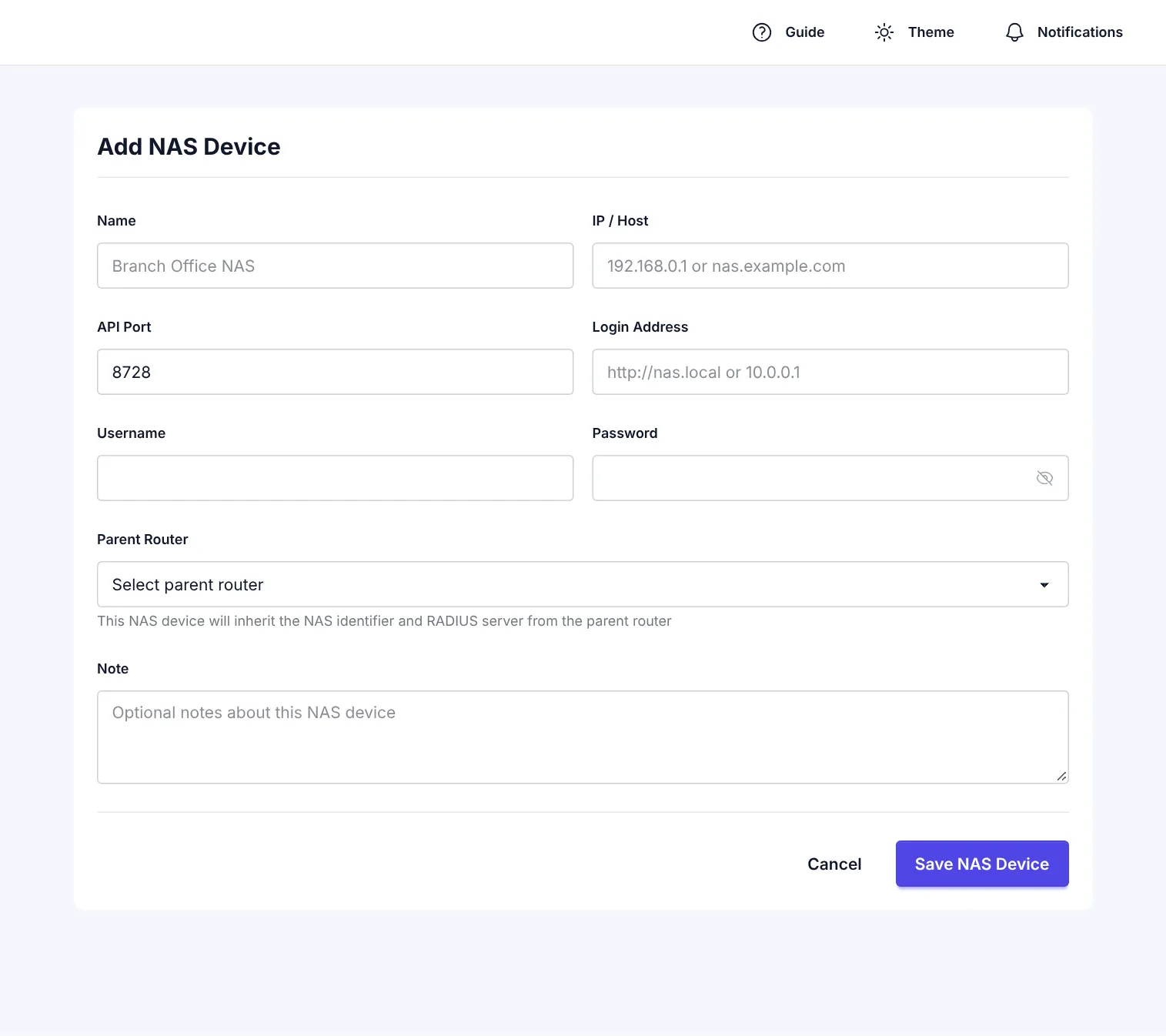
| Field | What to enter |
|---|---|
| Name, IP / Host, API Port | How the panel reaches the device, as for a router. |
| Login Address | The hotspot login address on this device. |
| Username / Password | The device's login for RADTik. |
| Parent Router | The main router it belongs to. |
| Note | Optional. |
The NAS device takes the NAS identifier and the RADIUS server of its parent router, so vouchers of the parent router work on it too.