

Assign routers and profiles
Choose which routers and which hotspot profiles each reseller may work with.
A reseller only sees routers and hotspot profiles that you give them.
Routers
Open Team > Resellers > Reseller Access, choose the reseller and open the Routers tab (or use ... > Routers in the reseller's row on the list).
- Tick the routers they may work with; untick one to take it away.
- Press Save.
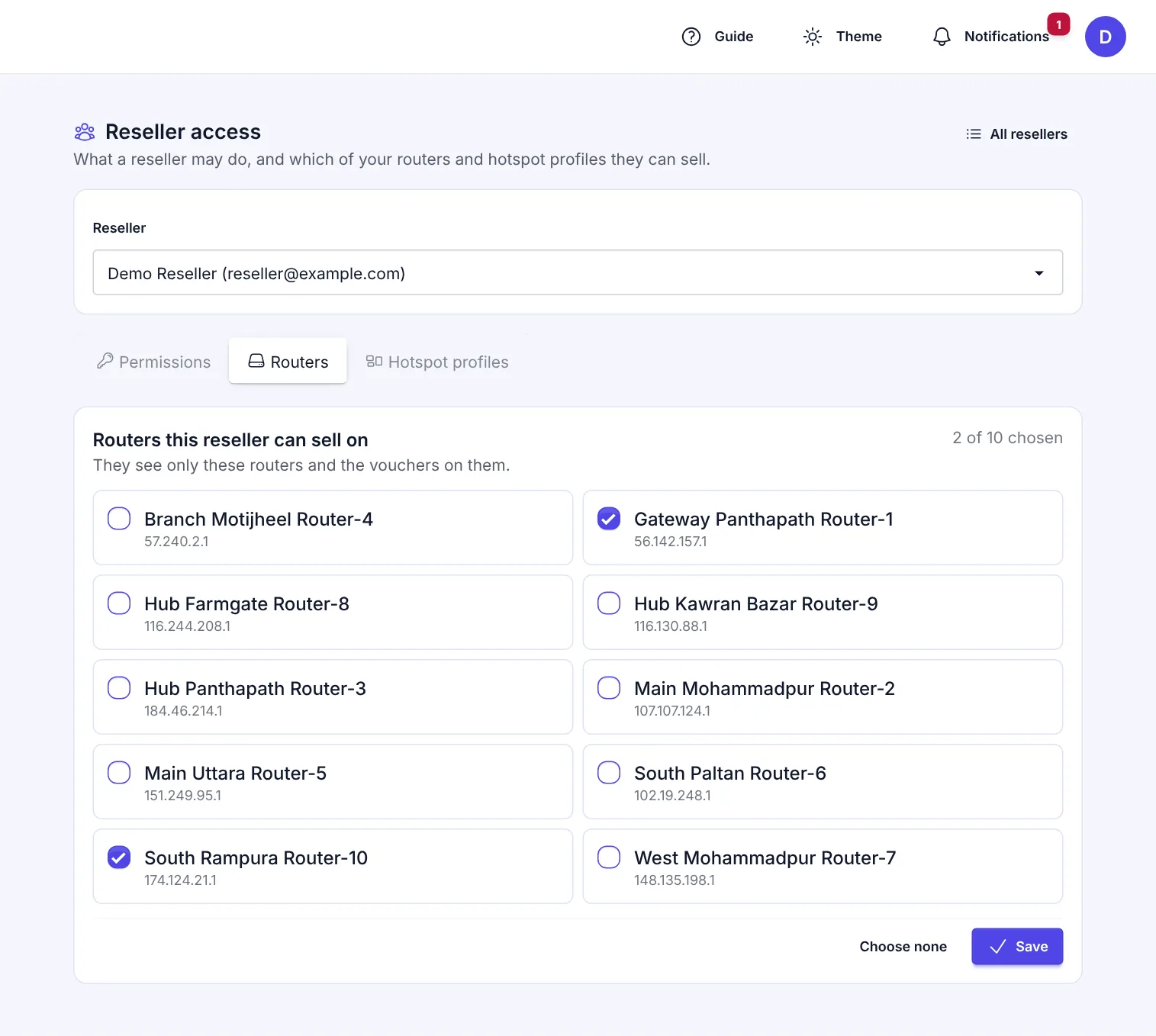
The reseller list shows No router yet or No hotspot profile yet for a reseller who cannot sell anything yet.
Hotspot profiles
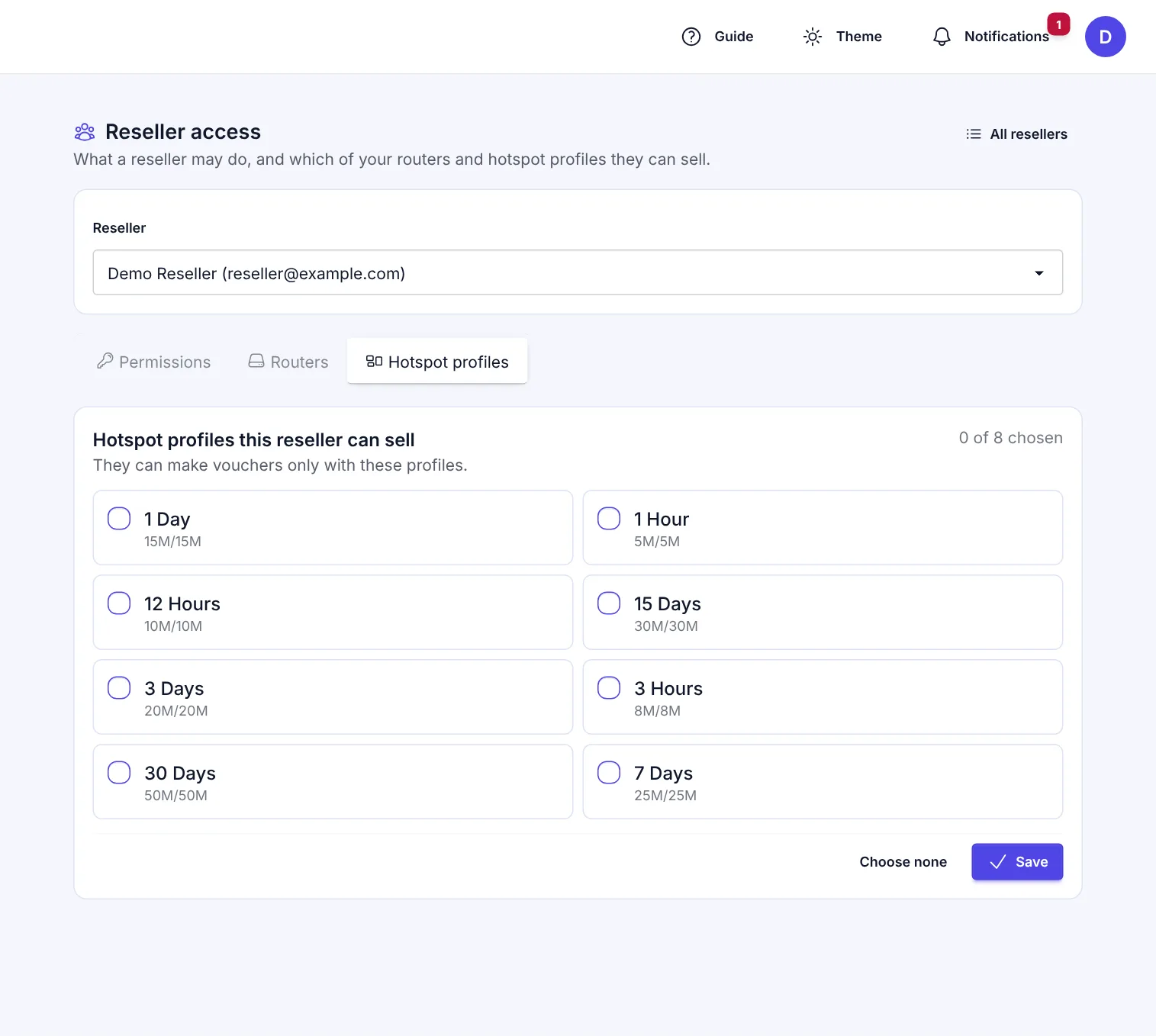
The Hotspot profiles tab works the same way. A reseller can only generate vouchers of the profiles you give them, on the routers you give them.
Tip: Give each reseller only the routers of their area. They then see only those customers, sessions and vouchers.