

Verify your WhatsApp number
Verify your WhatsApp number once before you start, so we can help you personally, and to manage vouchers by message.
Verifying your WhatsApp number proves that the number is yours. We ask for it because we are a small team and like to help every customer personally: we can help you quickly when something does not work, warn you before your package or RADIUS server ends, and know there is a real person behind every account. We never share your number and never send advertising. It also lets you manage vouchers by WhatsApp message.
You can look around the whole panel before you verify. When you add or change anything for the first time (a router, a RADIUS server, vouchers, a package, ...), a window asks you to verify your WhatsApp first. A notice at the top of the panel reminds you until you do.
Verify
- Open Account > Settings > WhatsApp (or press Verify in the banner).
- Choose your country (its code, for example +880, is added for you) and type your number without it. A leading 0 is fine:
01712345678in Bangladesh becomes+8801712345678. - Press Send code on WhatsApp. You receive a 6-digit code on WhatsApp.
- Type the code and press Verify.
- The code is valid for 10 minutes and can be tried 5 times.
- You can ask for a new code after 60 seconds, at most 5 codes an hour.
- A number can belong to one account only.
To use another number, press Use another number and verify the new one.
Code not received?
Press Message us on WhatsApp under the form. It opens a chat with RADTik support with a ready message; we will help you verify.
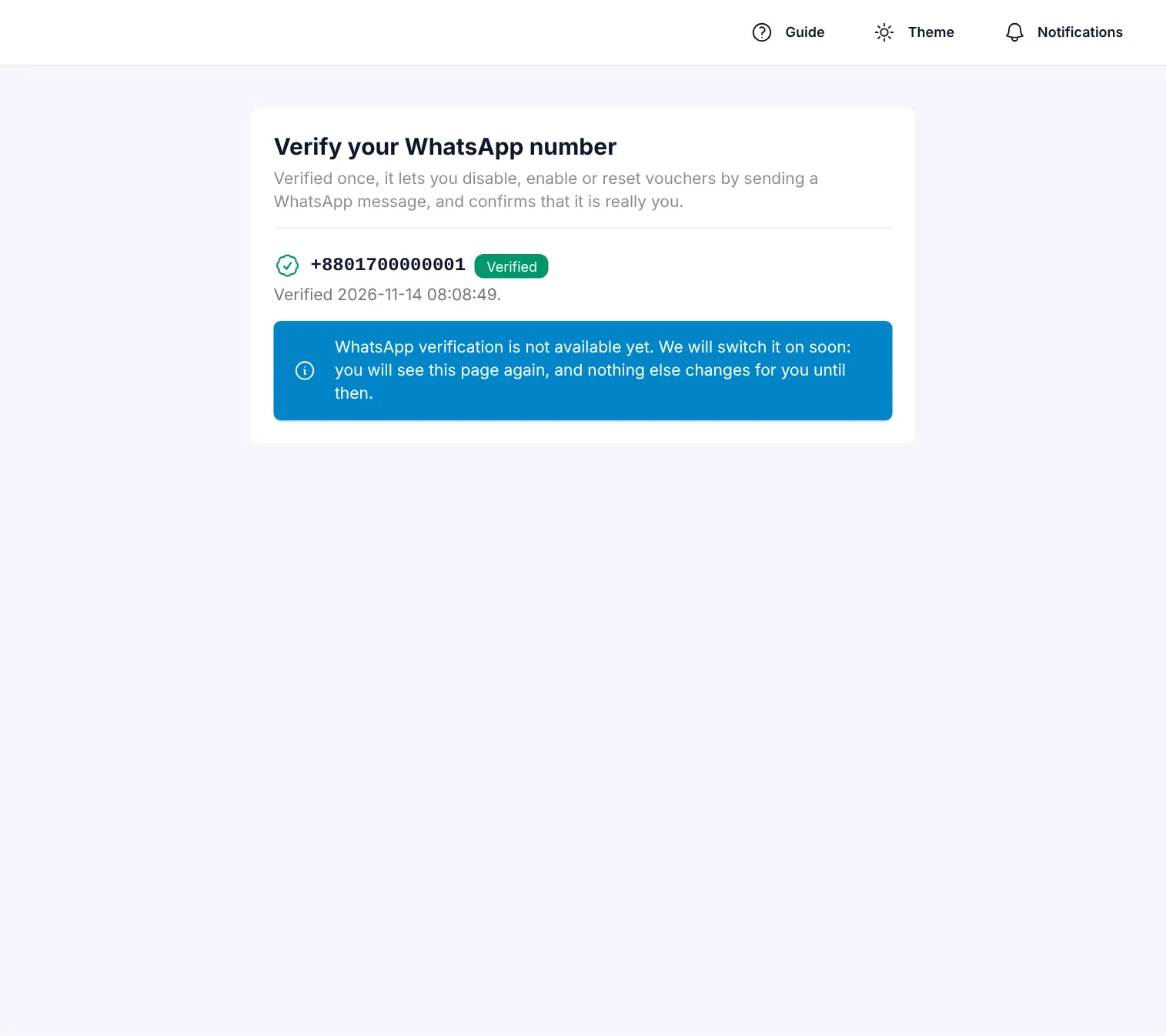
Note: If the page says verification is not available yet, the platform has not switched WhatsApp on. You will see the page again once it is ready.